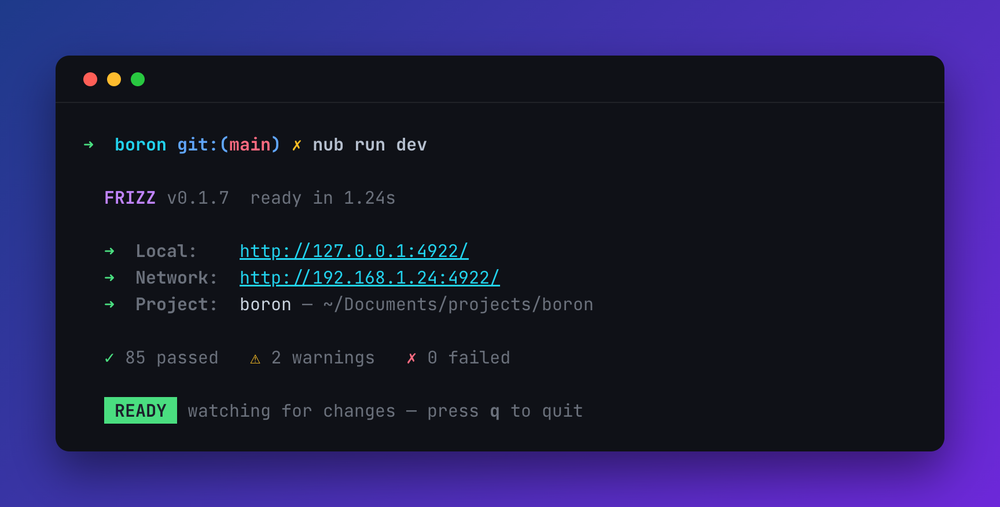
Boron is a terminal screenshot generator
Paste real terminal output, or type it, and Boron keeps the ANSI colors, lets you edit the result like a document, and exports it as a PNG, SVG, JPEG or WebP. It runs in the browser and it is free. There is no upload: parsing and rendering happen on your machine.
Everything Boron draws can exist in a real terminal. The palette is chalk's sixteen colors, the modifiers are chalk's modifiers, and the automatic styling is expressed as chalk marks rather than hand-picked hex, so the picture you compose and the escape sequence you copy out are the same thing. Mock up what you want a program to print, then hand the ANSI or the chalk snippet to whoever is writing it.
More about Boron: what it does, how to copy colored output out of each terminal, and the questions people ask.